> ## Documentation Index
> Fetch the complete documentation index at: https://swiftchats-documentation.axis96.com/llms.txt
> Use this file to discover all available pages before exploring further.
# Google Maps
Google Maps API is used to display location info in chat messages.
### How to get Google Maps API Key
#### Step 1: Enable Billing
To start the procedure, go to Google Maps Platform, press “Get Started”.
This step is necessary before you can begin using your Google Maps API key. It's important to note that creating a billing account does not immediately incur charges from Google.
#### Step 2: Create an API Key
1. Create a new project or choose an existing one.
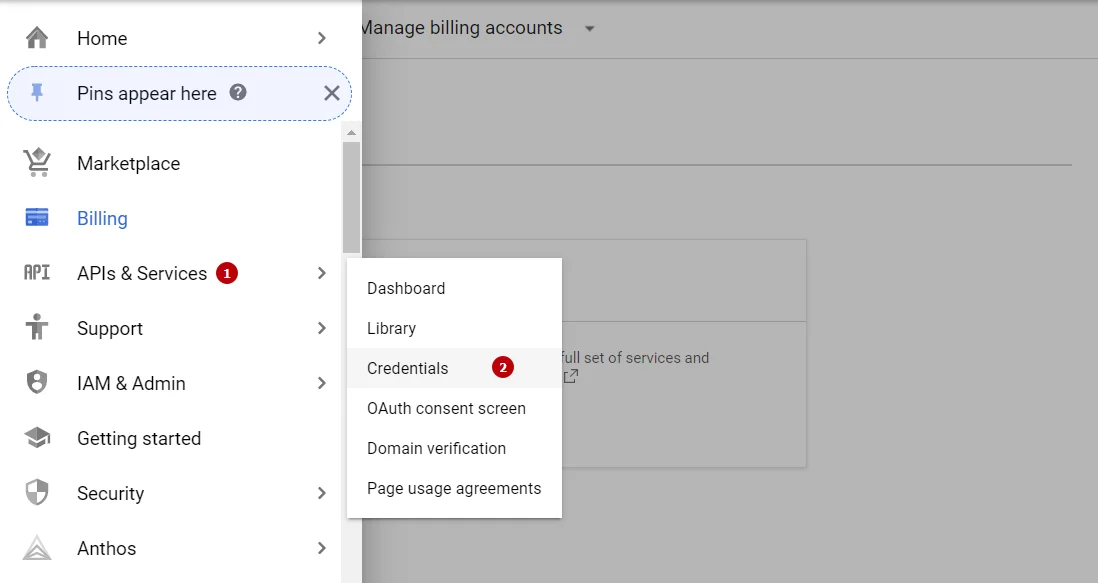
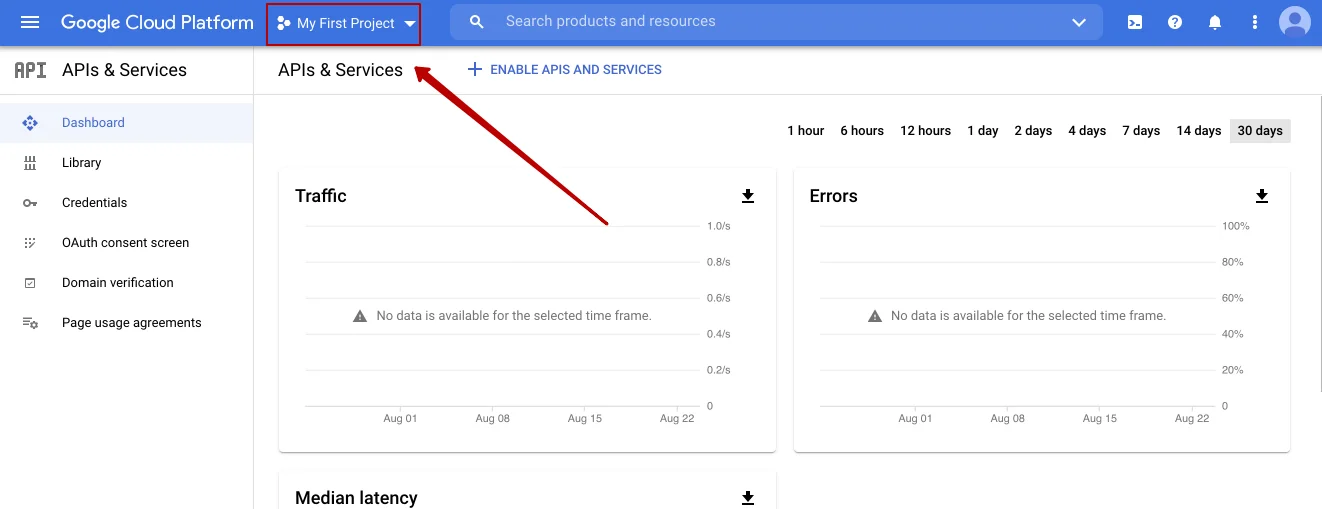 2. All your API keys will be stored on a single page. To reach it, you need to go to `APIs and Services`, and afterwards to `Credentials`.
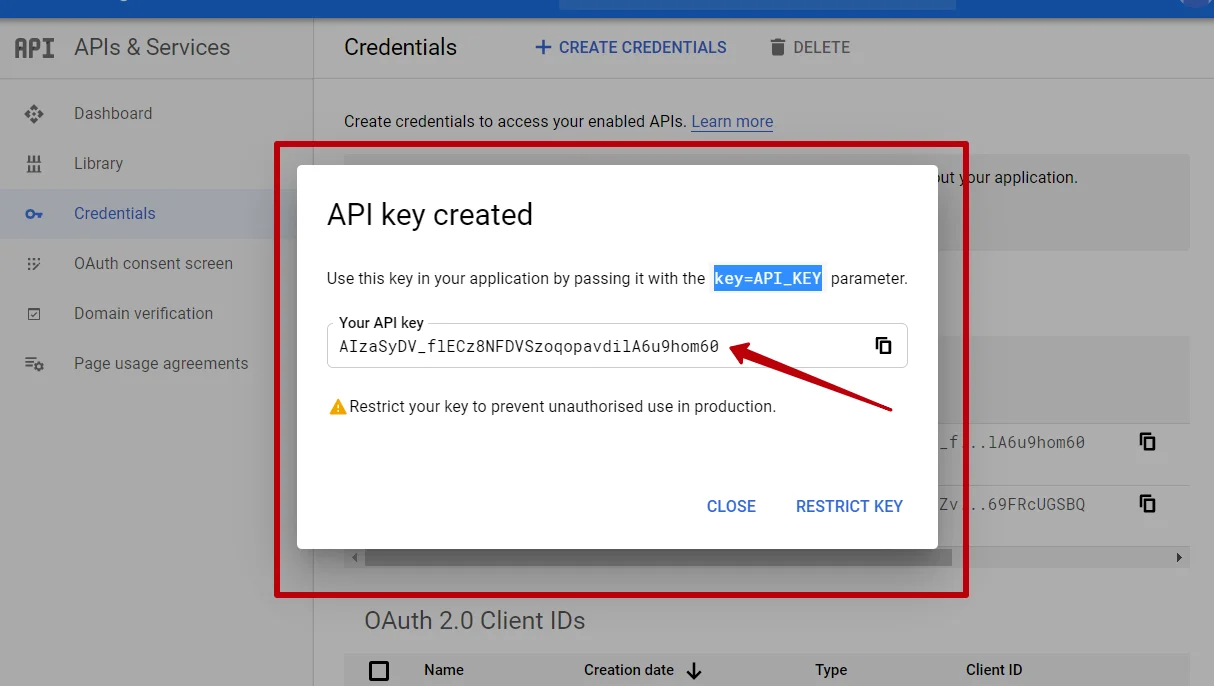
 3. Go to `Create Credentials`, and then – `API key`. Your API key will be created, and as soon as this, you’ll see it in a popup window.